


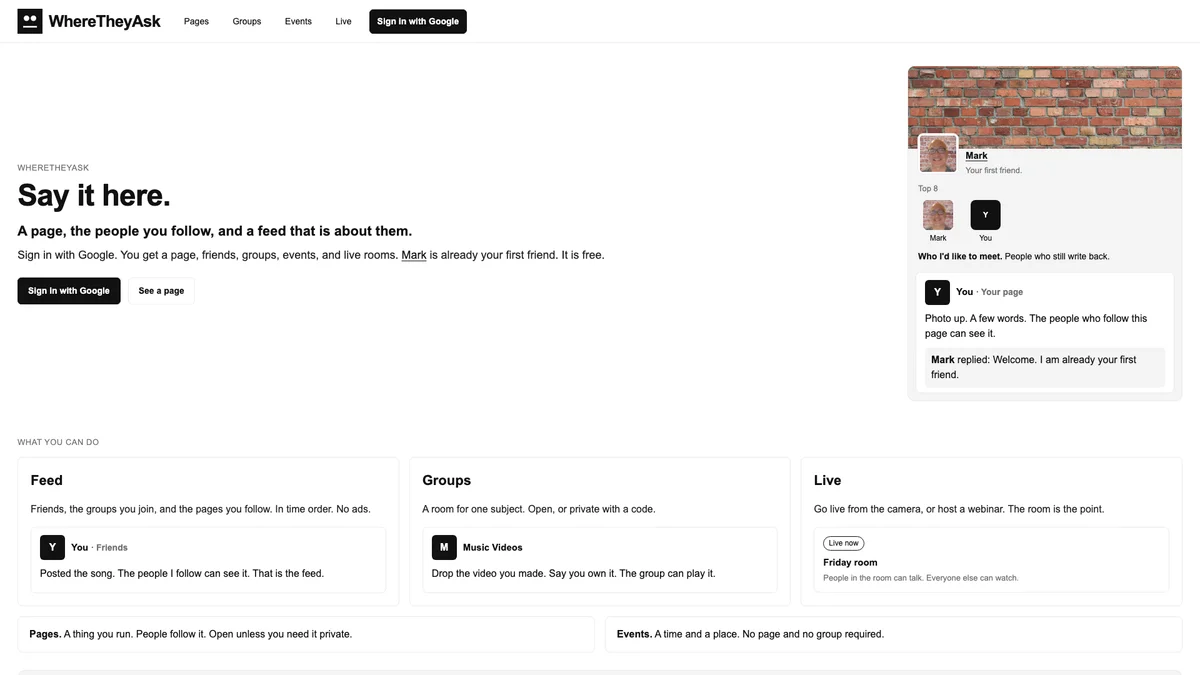
About WhereTheyAsk
WhereTheyAsk launched on Founder.best on Oct 12, 2026 by Mark Zschiegner and is listed under SaaS.
Use cases
- Social Media Scheduling
- Audience Growth
- Content Creation
Ideal for
- Marketers
- Customers
Screenshots
Updates
- Oct 11, 2026
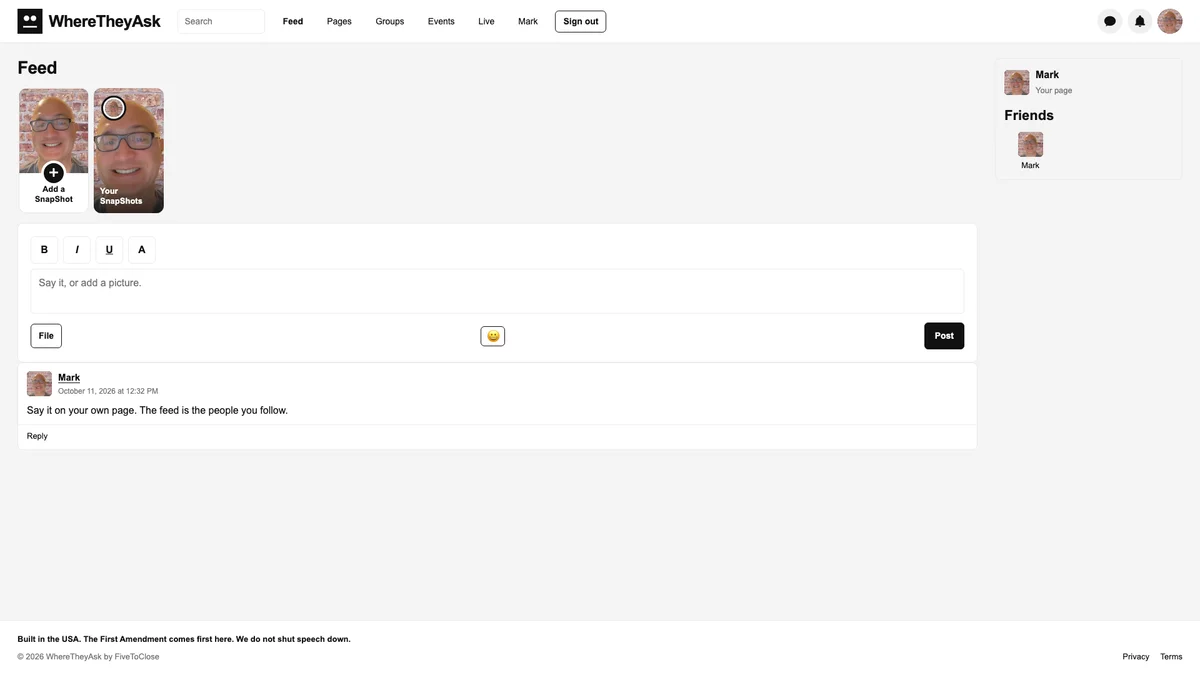
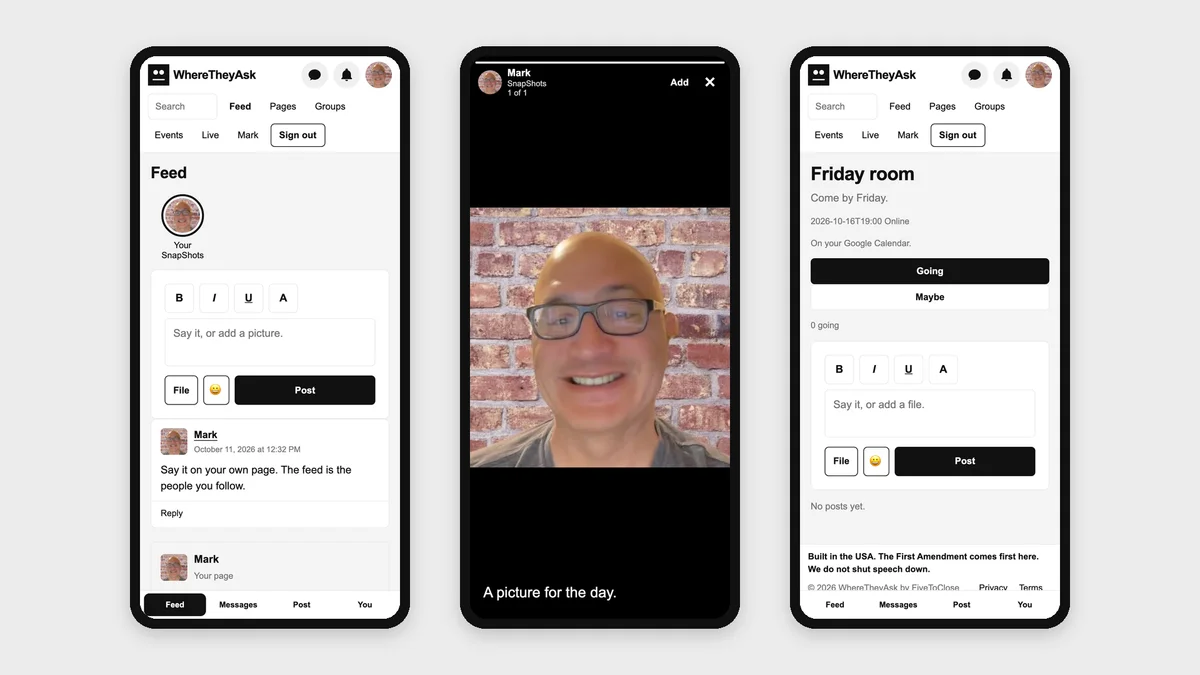
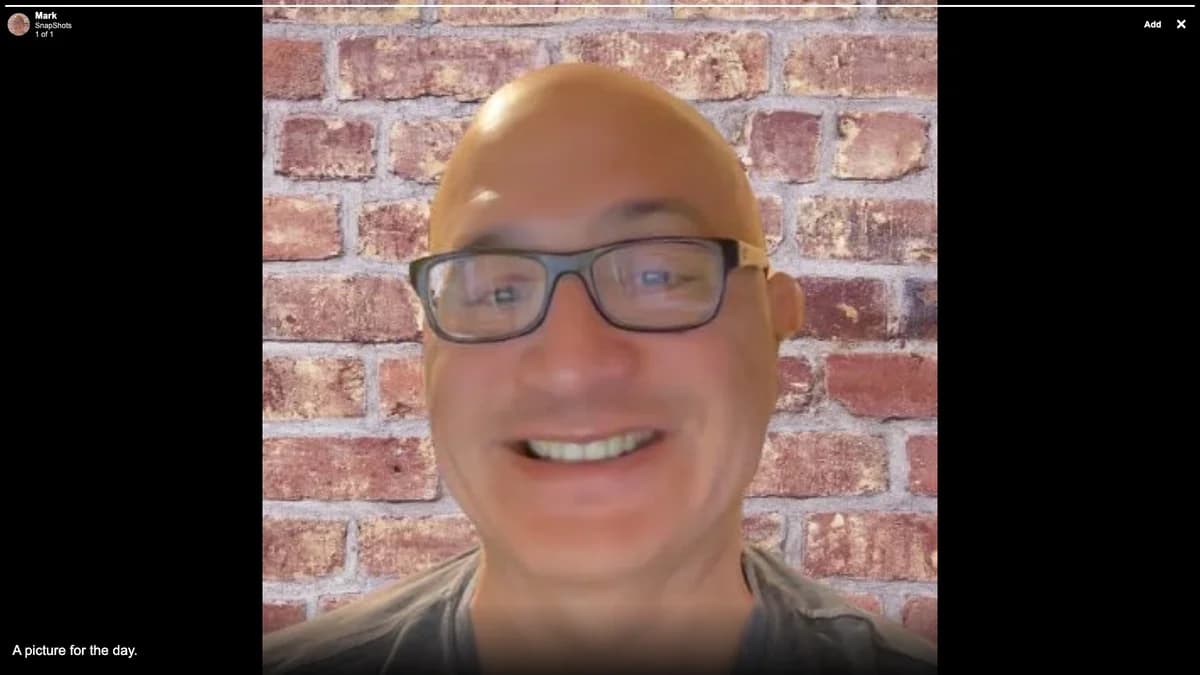
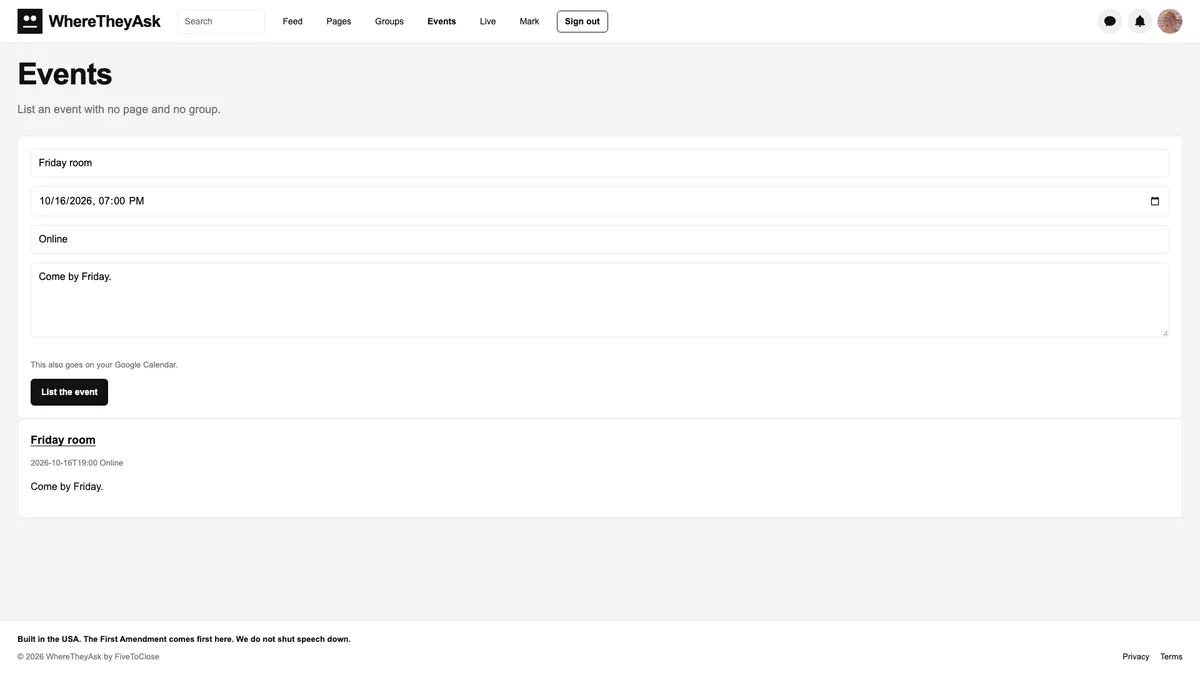
Since we went live, with WhereTheyAsk.com - here is what is on the site now. • The home says "Say it here." You get a page, the people you follow, and a feed that is about them. • The feed is your friends and the groups you joined. Each post shows the date and time. • A post can take a picture, a video, or audio. The same File button is on a group, a page, and an event. Big files go through. • Bold, italic, underline, and a text color are in the box. A link in a post opens in a new tab. • Phones keep the full word WhereTheyAsk. The bottom bar is Feed, Messages, Post, and You. You can add the site to your home screen. • SnapShots last a day. On a phone they are circles. On a wide screen they are tall cards. Open one and it fills the screen, then you move through that person's pictures and videos and on to the next person. • A SnapShot, and a new private message, need both people to have added each other. • Messages are a chat. New message starts one. On a wide screen you get the list and the thread. The bubble in the header opens Chats. • The bell is friend requests and unread messages. Sign out is in the header. Account is right before it. • Friend requests sit at the top of the feed when someone has added you. • Your page can list who you would like to meet, plus interests, music, movies, television, heroes, and books. Top 8 is yours to pick. Mutual friends show on the page. A signed-in visit adds to the view count, and the page does not say who came by. • A profile song starts at half volume. • An event you create, are invited to, or mark Going can land on the Google Calendar for the account you signed in with. The host can send the invite from that Gmail. Sign in with Google again if the site asks, so the calendar write turns on. • Email notices start on, to the Google address you signed in with. That covers a reply, a post on your page, a private message, someone adding you, an event invite, someone going to an event you listed, and a follow or a join on a page or group you run. On Account you can turn one off, or turn them all off. The email is a name and a link. • After you confirm your email, a second sign-in step is optional. It is a phone number and an authenticator app. No text message. • A private room waits after too many wrong codes. A picture or a video stays with the people who are allowed to see that post. • The footer says the site is built in the USA and the First Amendment comes first here. The home footer also carries Nick Launches, LaunchAF, BuildHop, SaasHunt, Ship Launch, and Founder dot best.
Reviews
No reviews yet. Be the first to rate this product!
Comments
to leave a review or comment
No comments yet. Start the conversation!